In this installment of Lynn makes pretties:
Let's solve a problem all VTubers have:
1. You have 12 amazing outfits, and outfits and outfit variations.
2. With the default setup, you have to compile a different vrm for all of them, which is a massive pain
Our subject is Angie
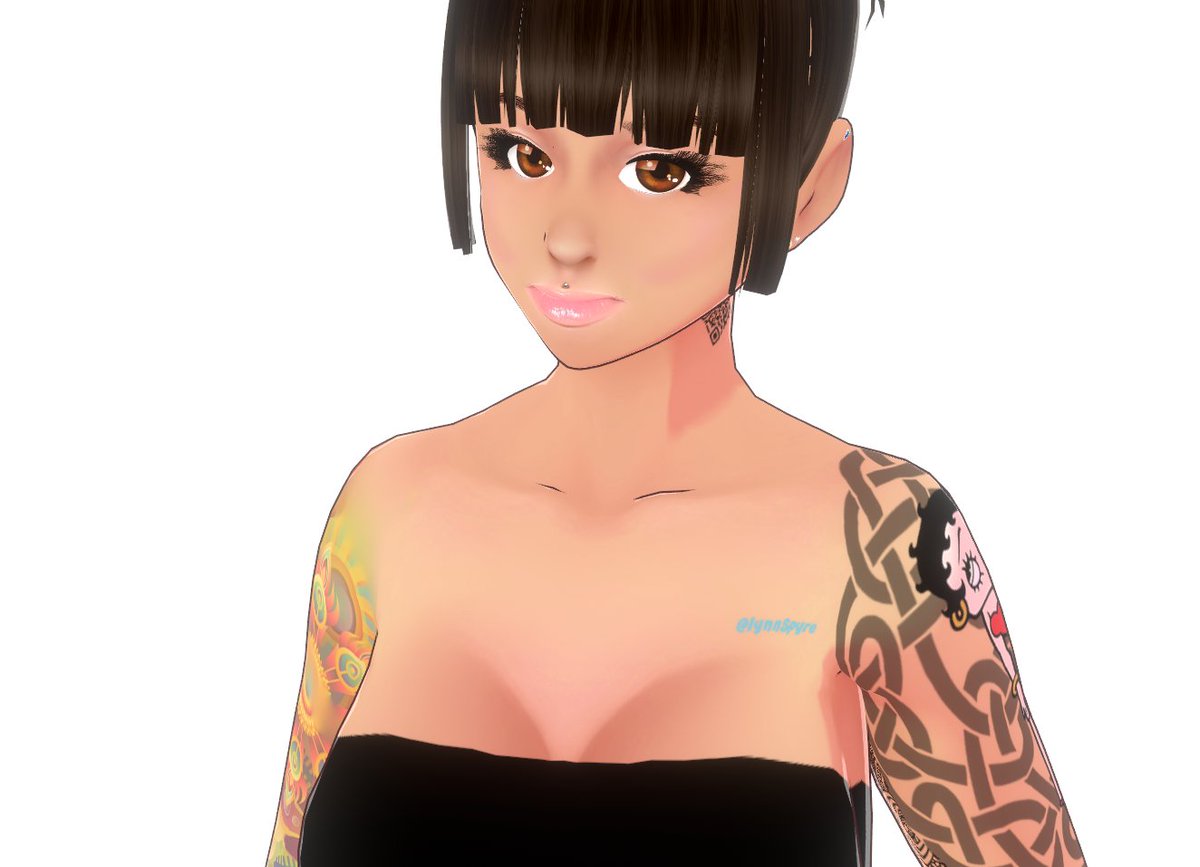
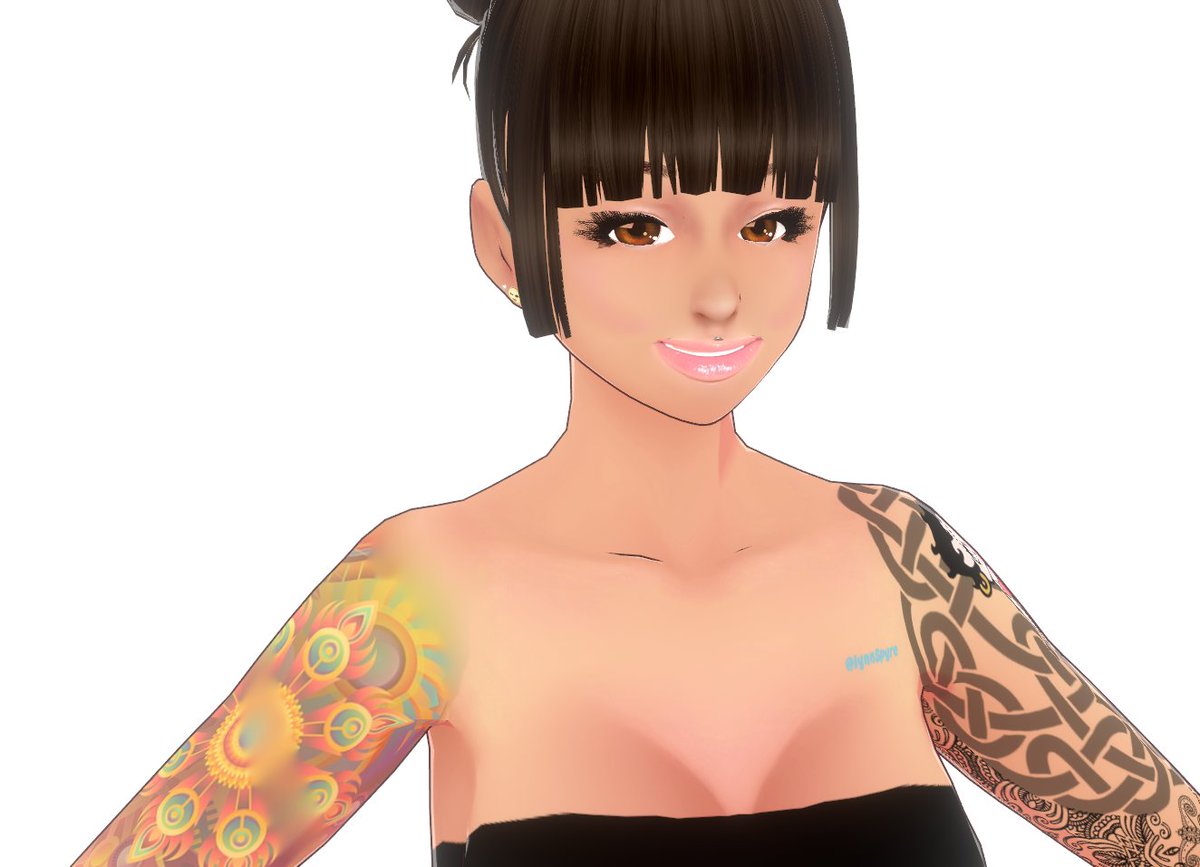
Angie likes jogging, late nights hanging out with her friends, and cuddly bunnies. She was made in VRoid Studio, and today... we're taking her apart, and doing experiments on her. It's okay though. She'll be safe.
This experiment will aim to create some blendshapes that'll do things like switch out her outfit, and do an accessories toggle. If there's time, I might also add shape keys for body movements like finger guns or waving. We'll see. I'm not clear on how to do some of this... yet.
The first outfit toggle
Let's start simple. I'm going to export her model with both a cute outfit and a bikini on. I thought about doing it the other way, and just pulling the assets off in Blender, and doing hard exports of each piece, but I don't want to lose the rigging, so this way.
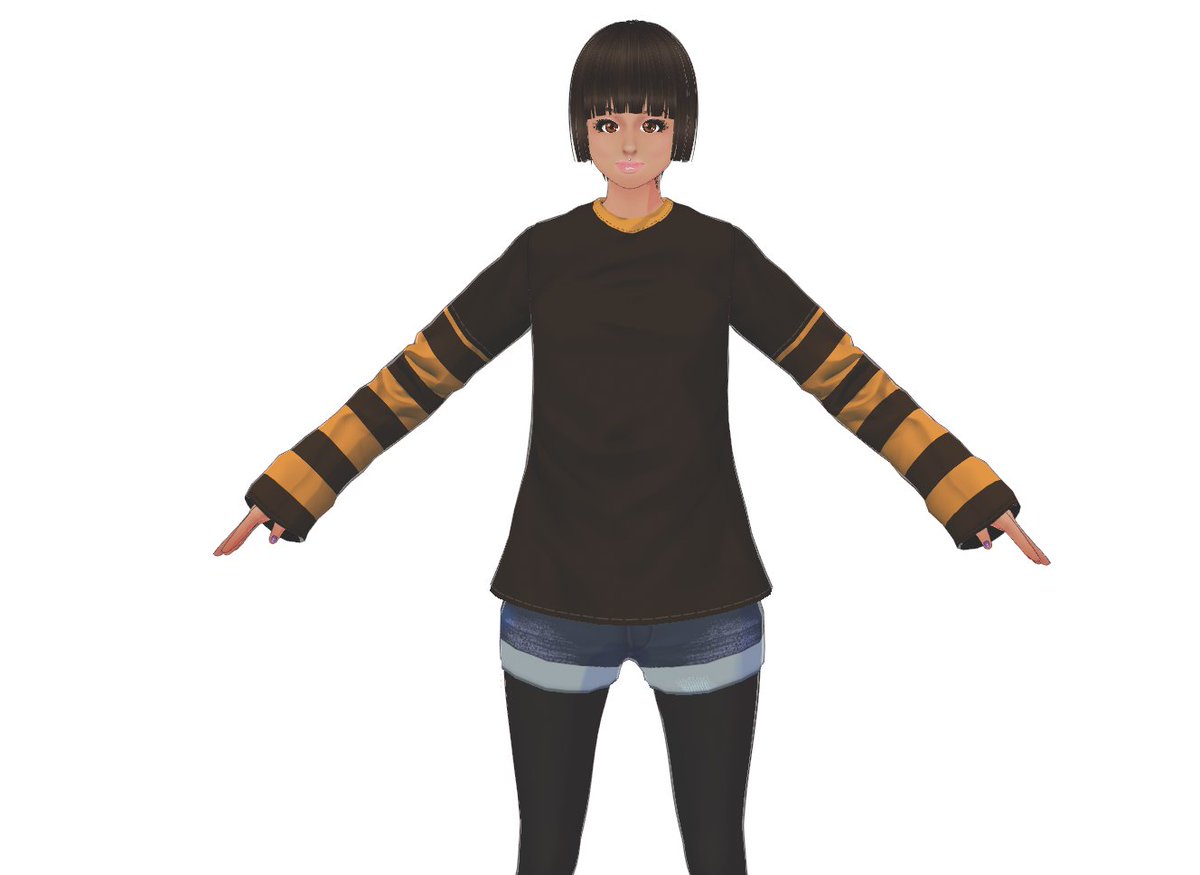
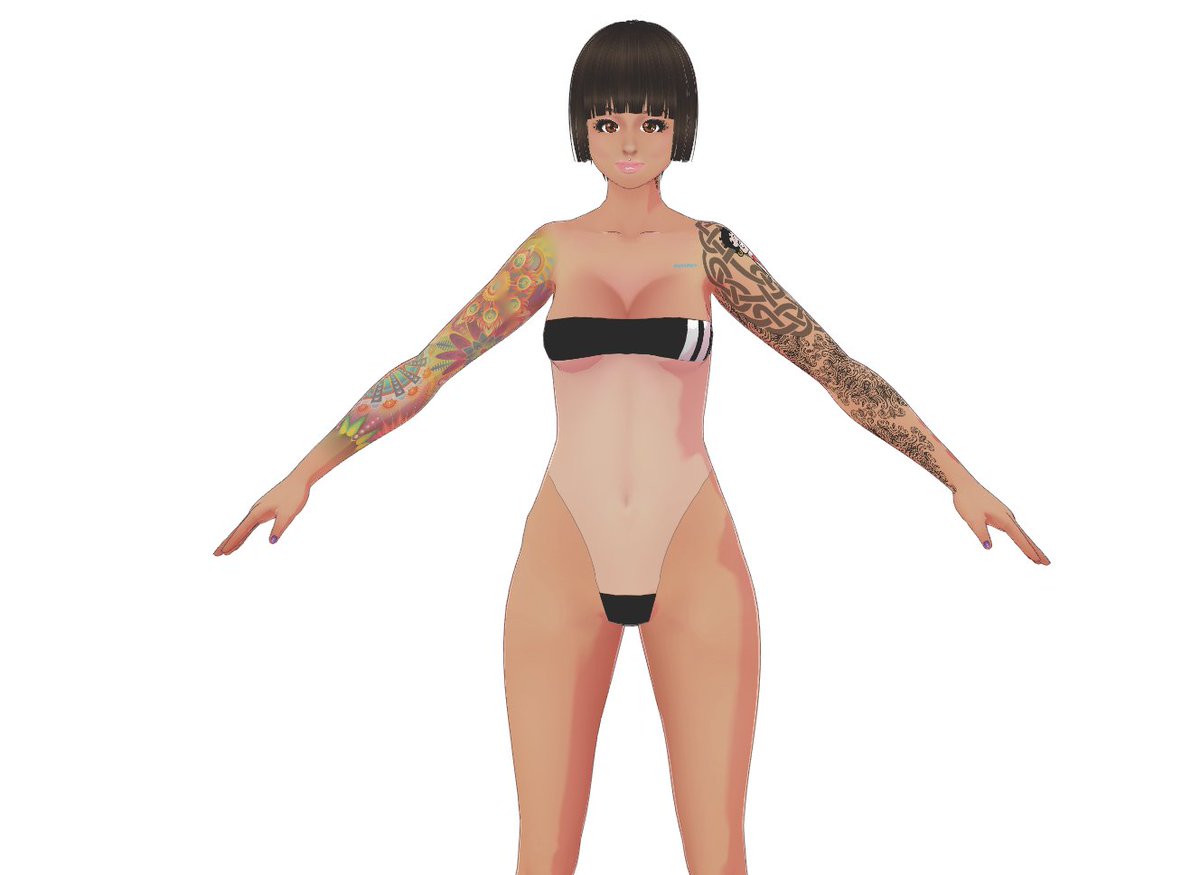
Sidenote: If you want to get as many outfits as possible on a model, use templates in the texture editor. You can get an entire ensemble as one piece of clothing. Super convenient, especially when we're dressing her like a toddler that's just found your closet. More on that later.
Alrighty, and now we have this pretty one imported and ready to go in Unity! Woo hoo!
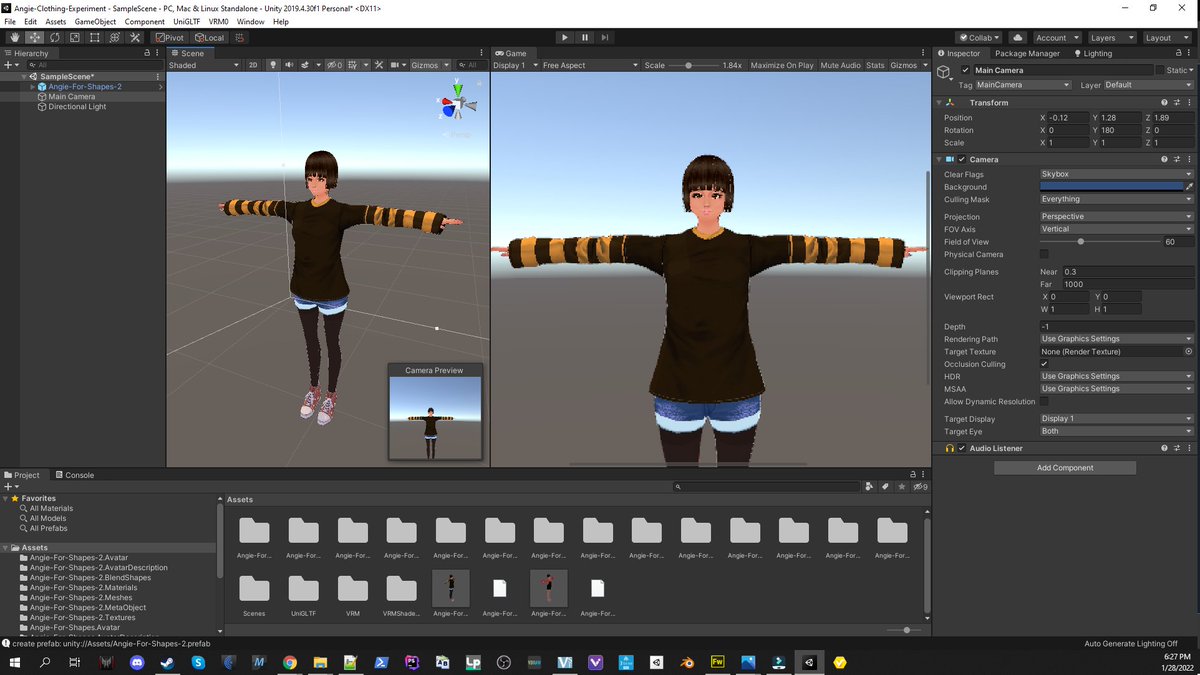
Base blend shapes are already there. Which is nice. After a week of working with Wolf models, it's nice to have this stuff there already.
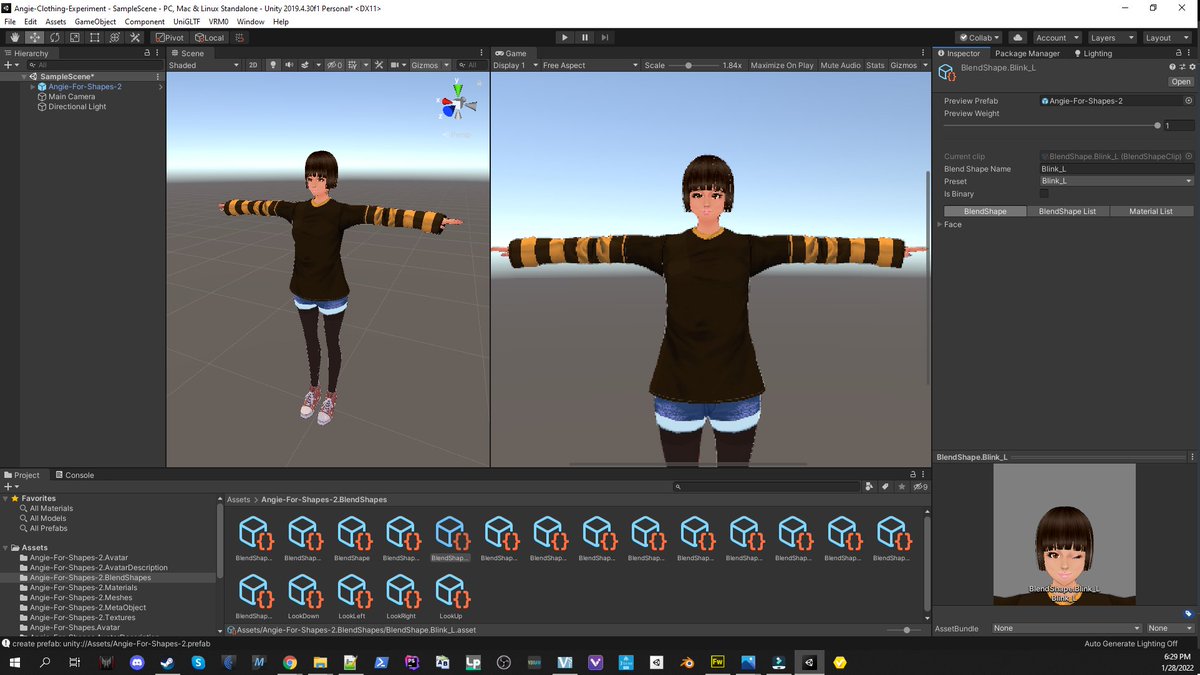
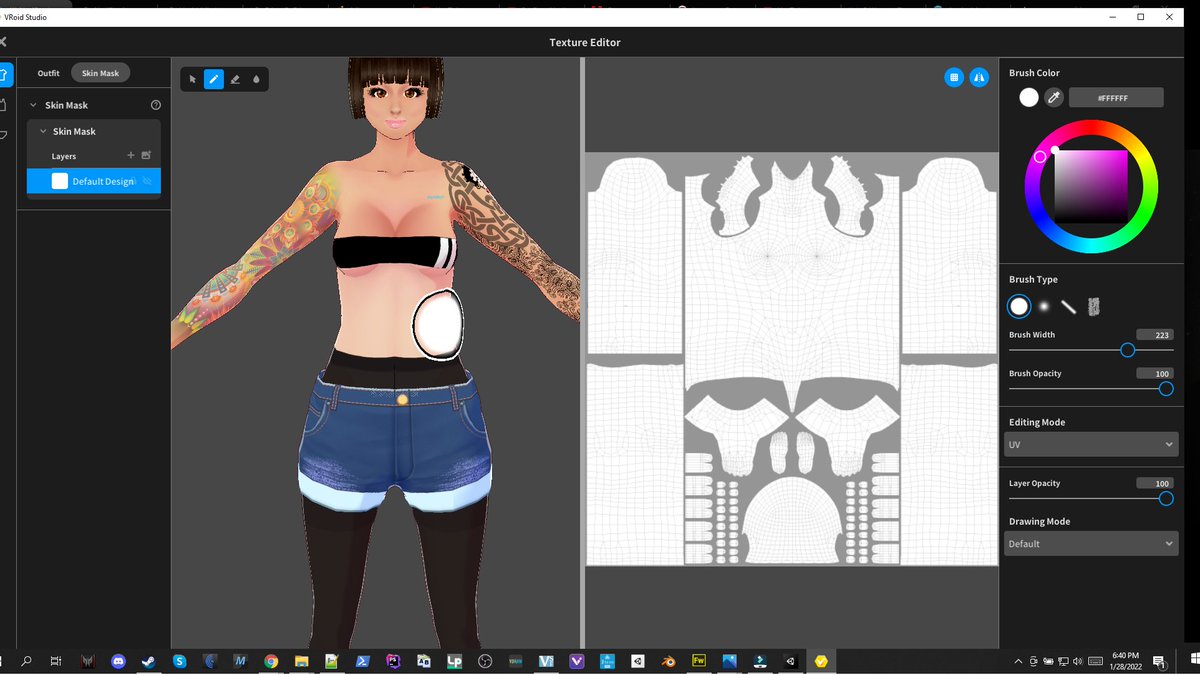
So, I'm ready to make a bikini blendshape. And fuck, shit, wouldn'tcha know it - I forgot the skin mask! The skin mask is the amount of skin the model renders by default. Sometimes, it's handy not to render all of it. Helps with collisions and resource issues. But here we need it.
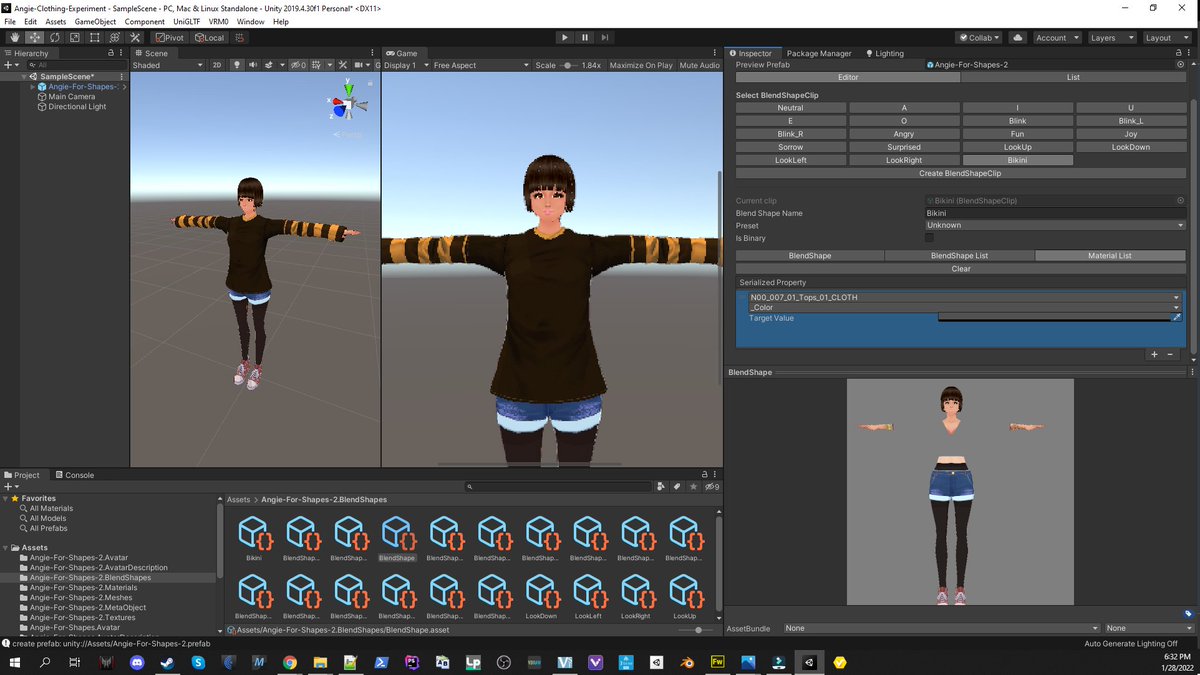
So step 1 should have read:
Step 1: Make sure your character is naked under her clothes
There we go!
Textures and blend clips
Step 2: The auto-configuration system gives your textures weird names. So I'm going to rename them all. Also interesting, how the bikini, which is set up as an inner top gets flattened onto the body. This might be a problem later, but we'll figure it out then.
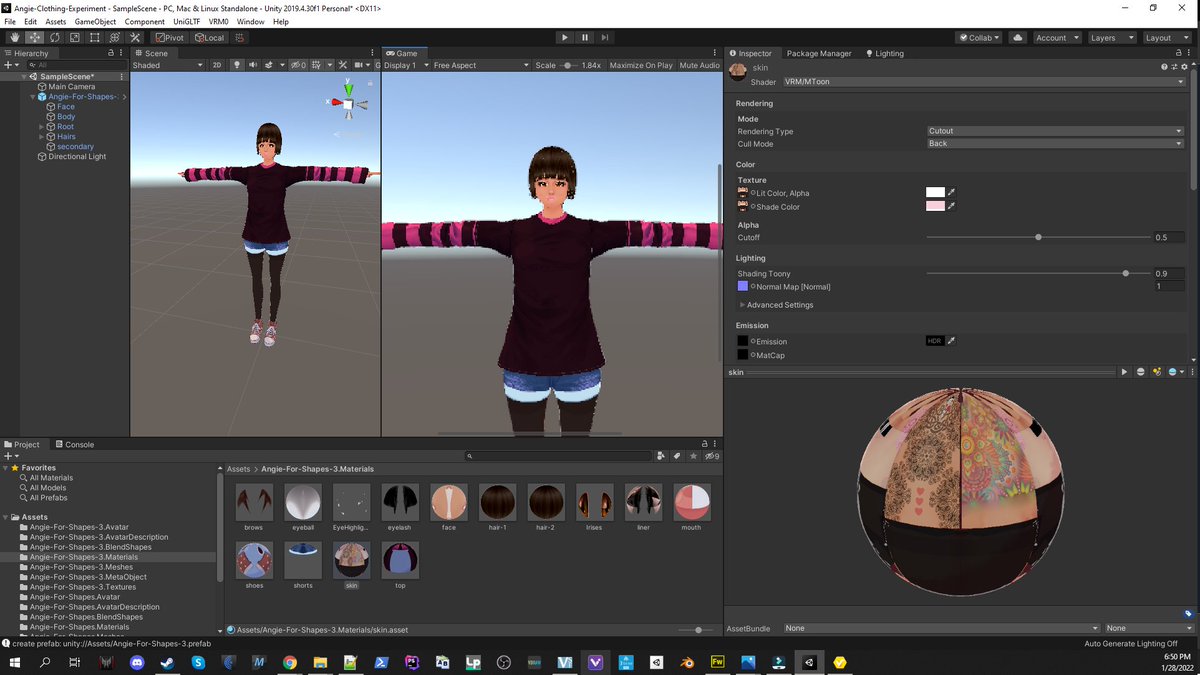
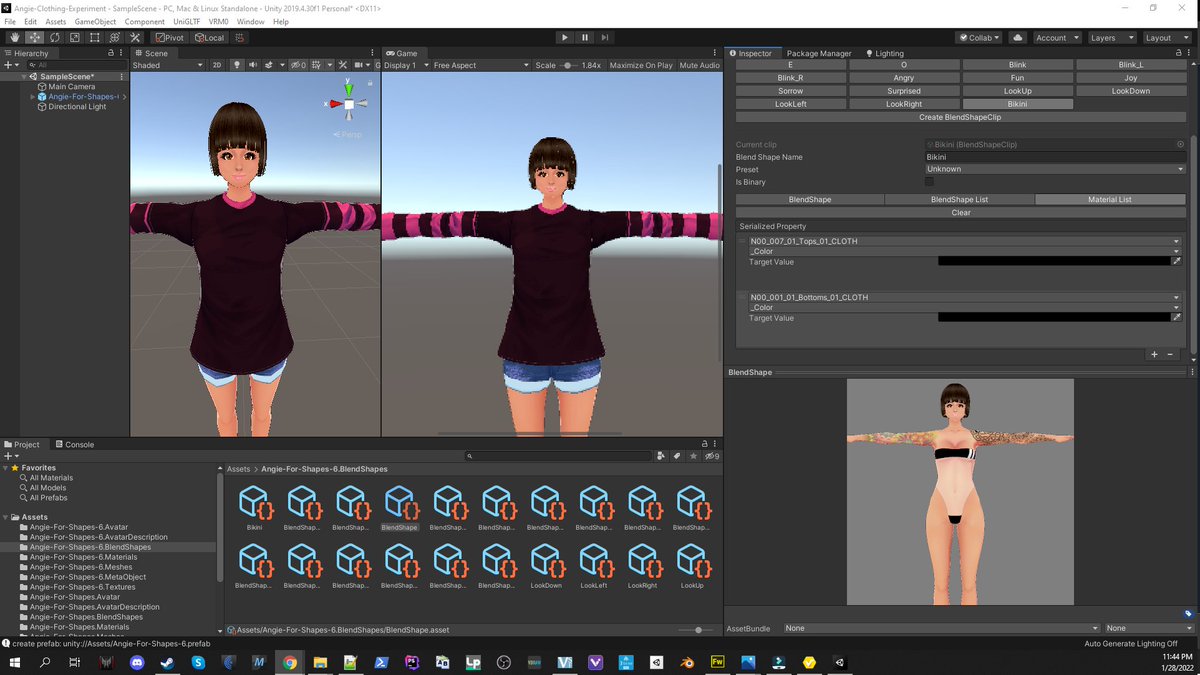
Step 3: Make a bikini Blend clip, and take the rest of her clothes off!
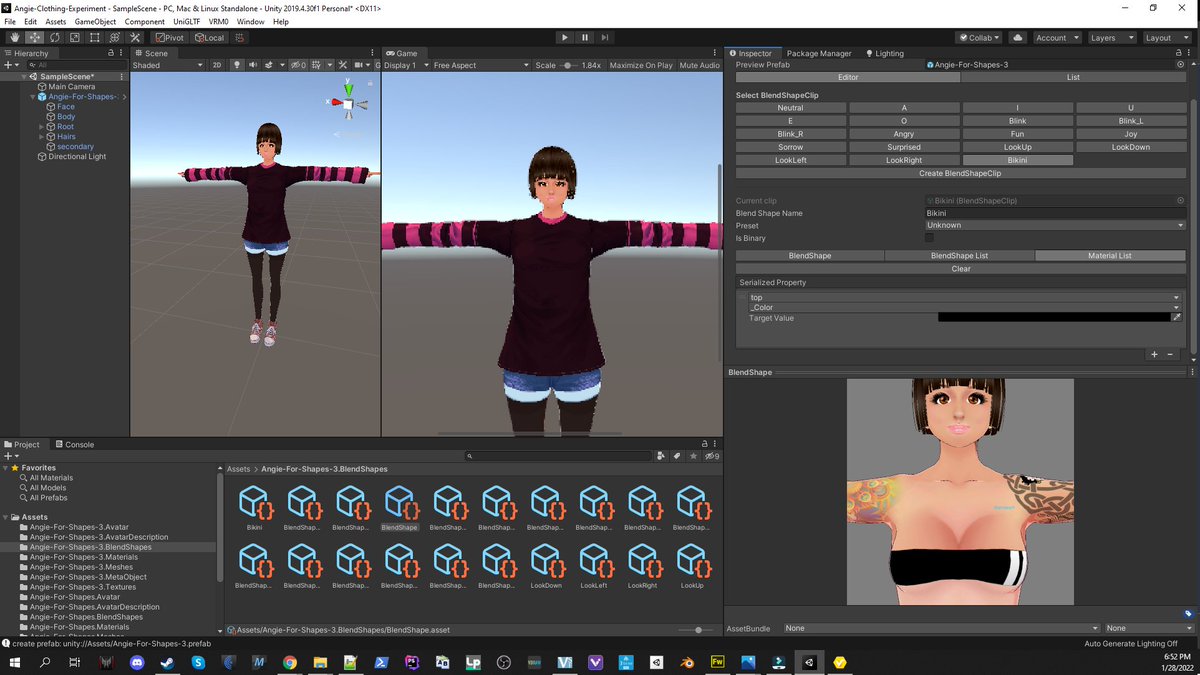
Oh god damnit. Okay, looks like the stockings got flattened too. Fuckity fuck. I need to refactor my model a little.
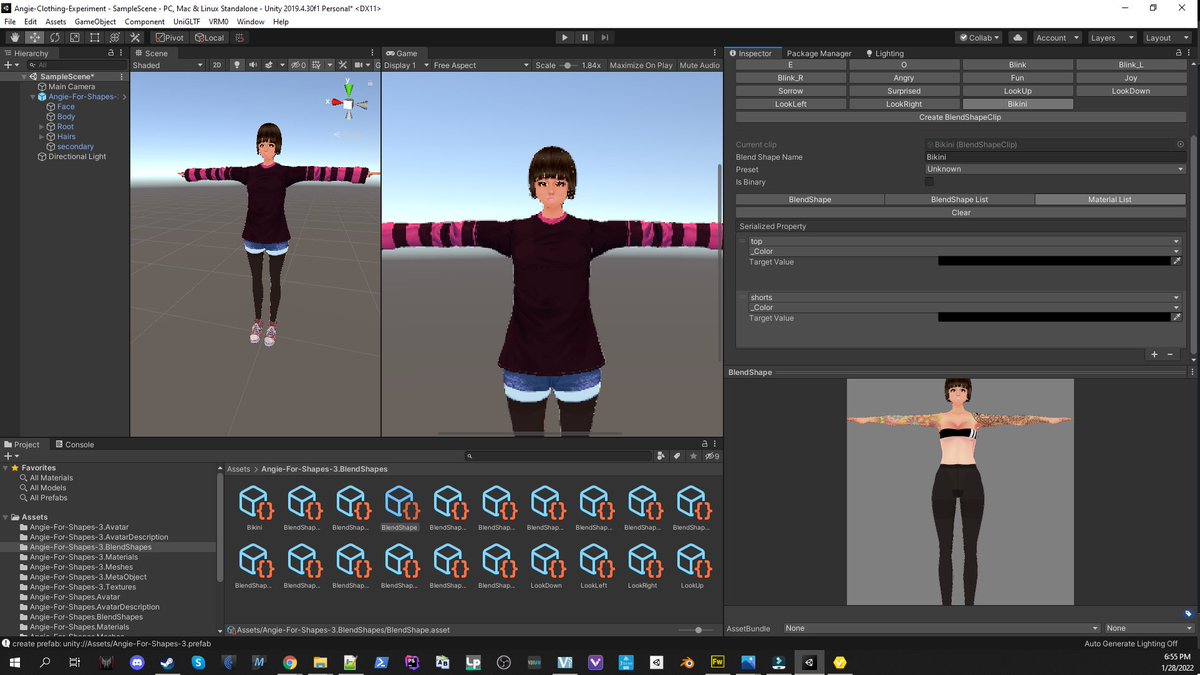
The next problem was finding a way to do tights that wouldn't get flattened unceremoniously by the VRM compile process. I haven't figured that out yet, but it's no big deal. We can do that one a little later, if we want to.
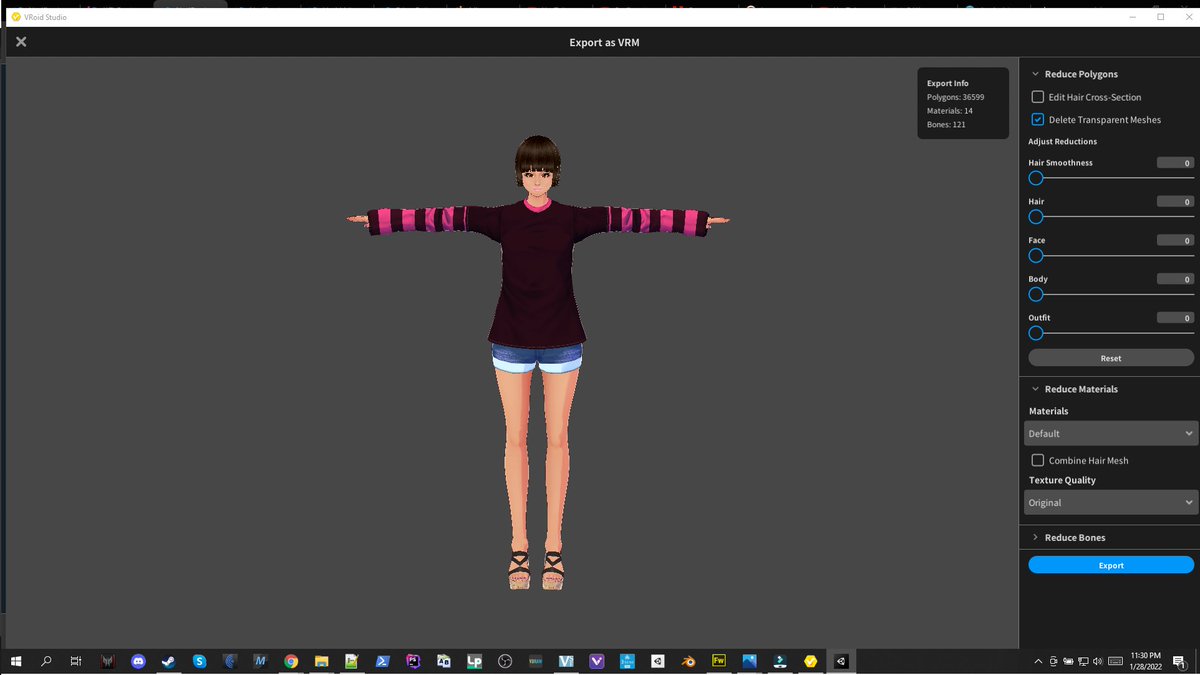
And now we can have her switch into a bikini with a keystroke. Yay! But I don't know if this really lives up to what I promised at the beginning of the experiment. Let's push it a little further.
Two outfits and accessories
And now for the fun part. Where we go back to VRoid, and treat her like a toddler playing dressup! Woo hoo!
Alrighty, that took a minute, to get the layers in everything, but we're there. Two complete outfits, and a couple of cool accessories! Let's have some fun with it!
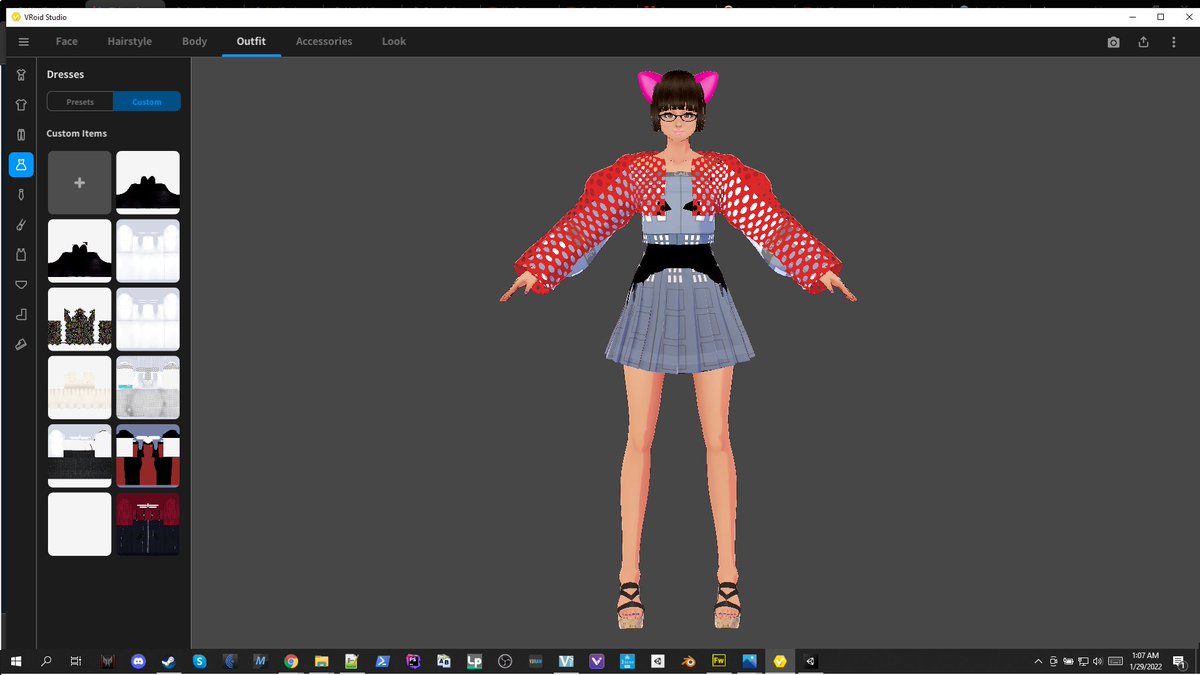
Considerations: If you're doing this one, you only get one set of underwear, so make it count. You can abuse any of the other label categories though. So that gives you the possibilities for... 7 main categories of outfit, probably, if you do it right, 2 or 3 outfits per category.
So you've got a max of around 17 outfits, if your outfit types are similar in each section. Okay, not bad. But I don't have the time for that much design right now. Maybe later. Two should prove the concept.
hawt
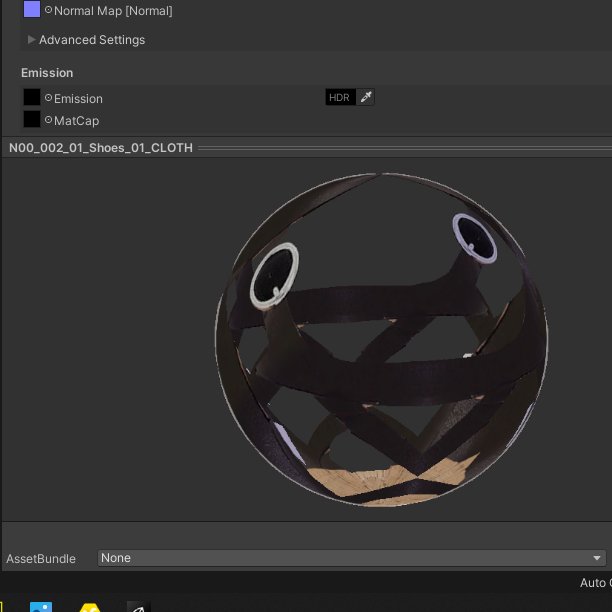
This shoe looks so happy!
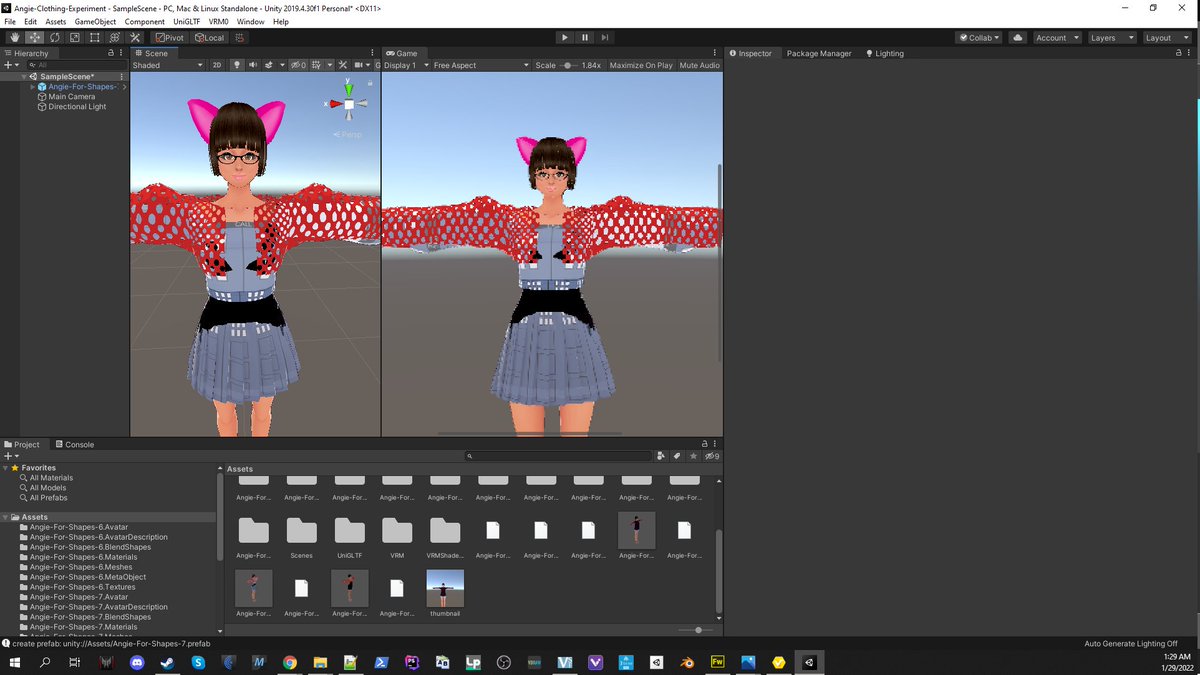
Ouchies, not the final draft of that dress. No worries though, I do have the final one around somewhere.
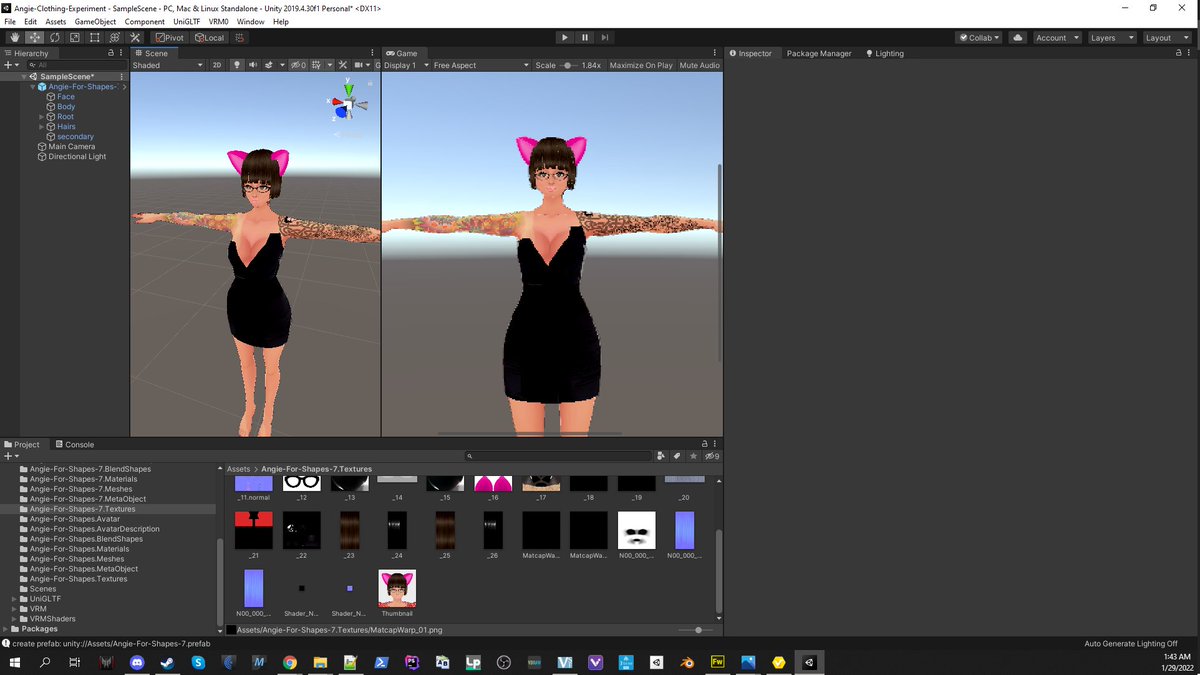
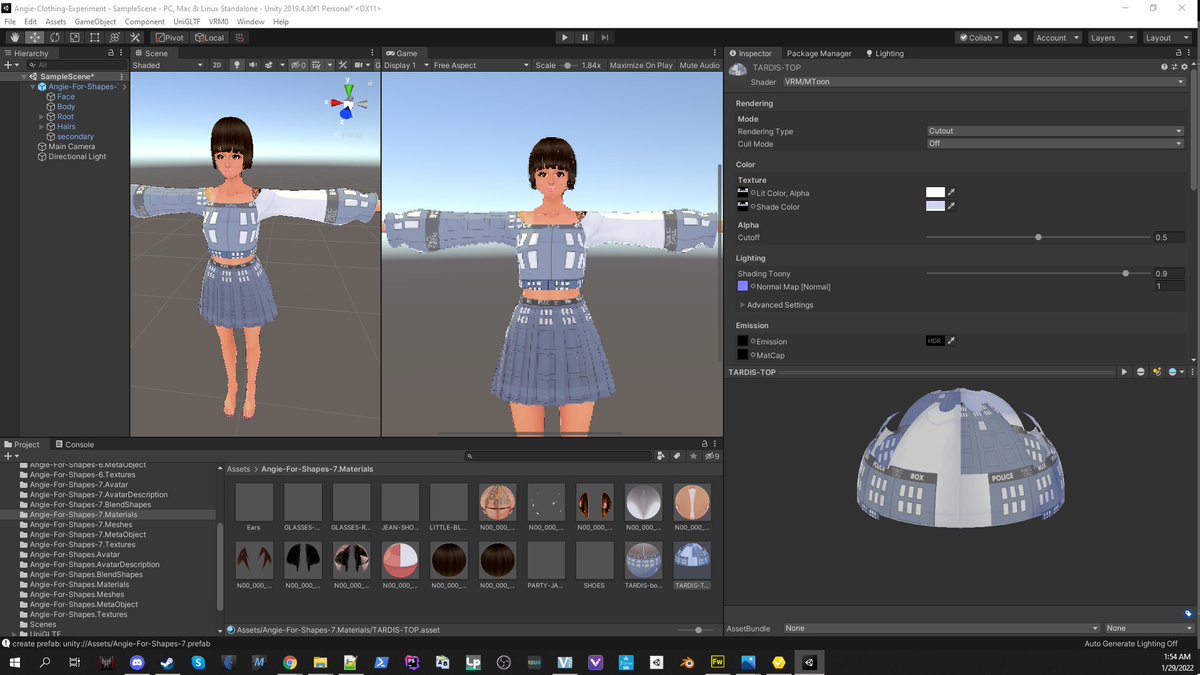
Now, for the purposes of this experiment... we're going to make the cute tardis dress the default (remind me to make a newer cuter one here at some point)
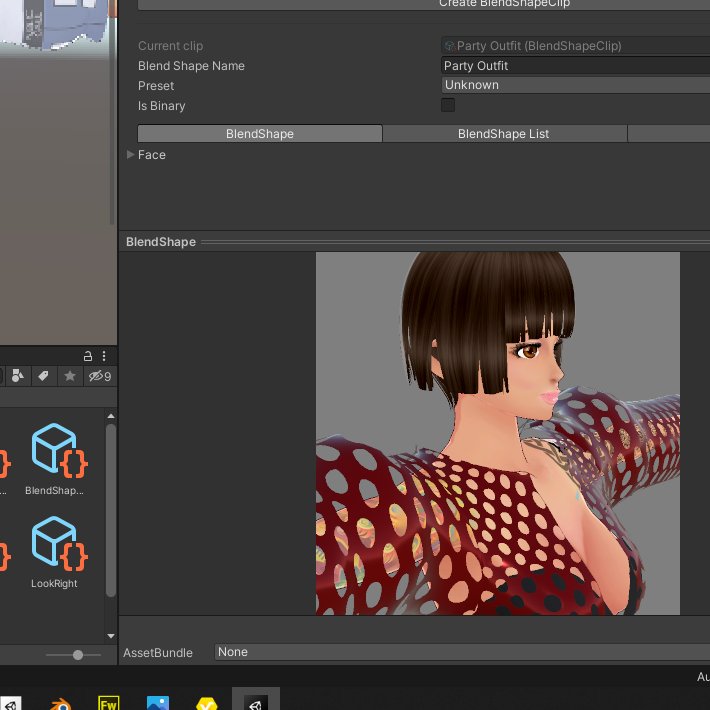
This is a freaking blendshape clip. This program (Unity) is incredible.
Alrighty. So now we have two VRM files. Let's load them up in VseeFace and see how they came out.
First test, not awful
And our second test!
Taking the experiment into Blender
So now that I've been emboldened by some success, let's get reckless and open up Blender, and dive into an area that I'm really uncomfortable playing in right now!
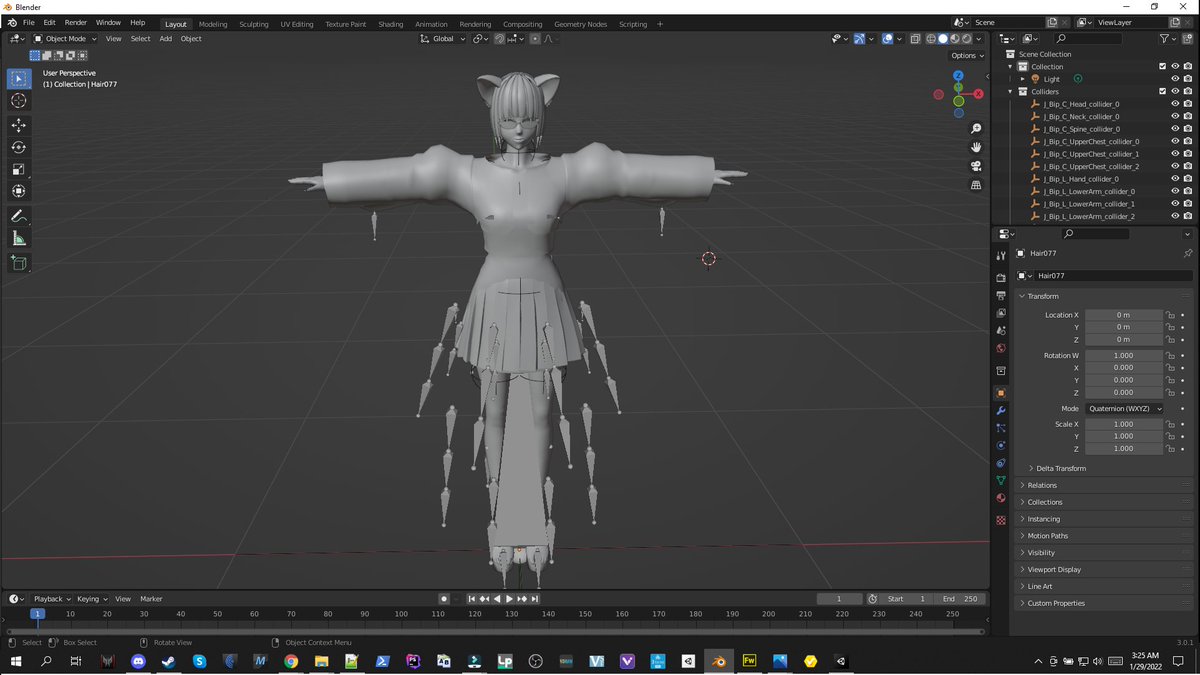
I need to downgrade Blender to the version I was using last week. I don't understand how poses work in 3.0, and my asset library is nowhere, urgh.
Now, here's part of something I want to do. Not quite getting how to map it the way I want, but I can do the pose.
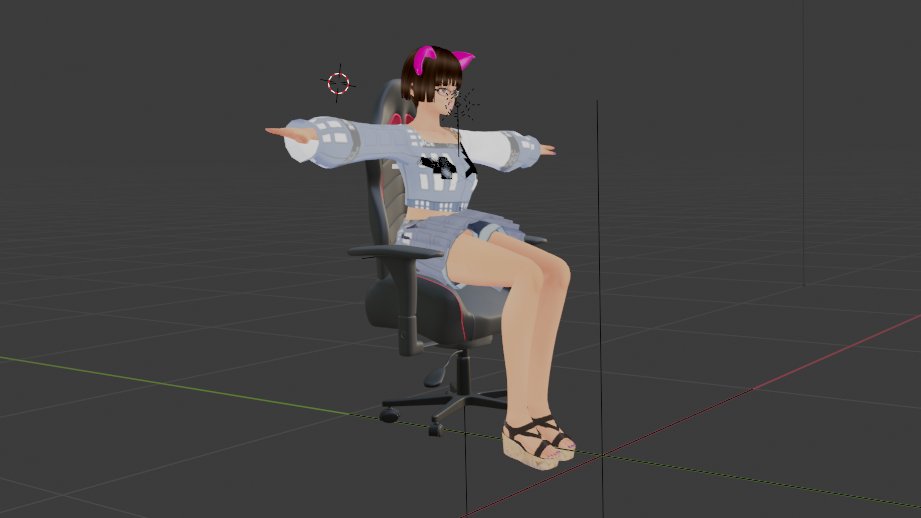
Legs and skirt still need to be worked on, but she exports! Which is pretty cool, I think. So that's half of what I want to accomplish. The other half, is getting this processed as a shape key in Blender, so I don't need a second export.
For that fictitious band I'm gonna start: This would also be an album cover.
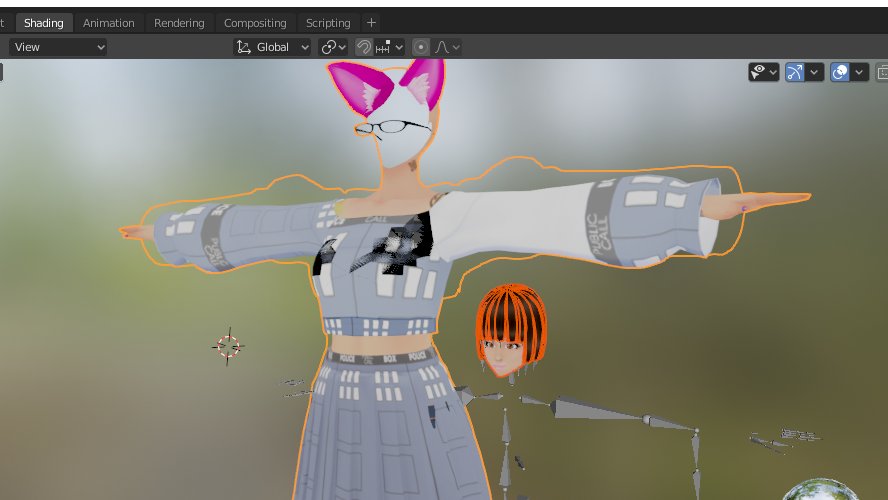
This piece is a fail, but not because of the tech. I think what I'm doing is thinking about the problem sideways. This happens with tech and code stuff. Your brain instinctively thinks something should work in ways different than it actually does. But I learned something!
This gives me an idea for dancy dance blendshapes, though. Have you ever had moments where you feel like your keyboard just doesn't have enough keys on it?
I'm kinda spent, but I do want to at least try a couple of them.
Huh, I wonder why it's doing that.
Okay, getting better
Oh, I get it. I'm tired. There's a threshold for what Unity's willing to tolerate here. Not sure where it is. That's why the shapes are always so simple and limited. But you can pile them in and cook them up together to make more complicated ones. Love it!